
A Practical Guide to Better Photos, Stunning Videos, and Confident Camera Control
By James Nino — author of the Mastering the iPhone Camera series, covering every iPhone generation since the iPhone 11.
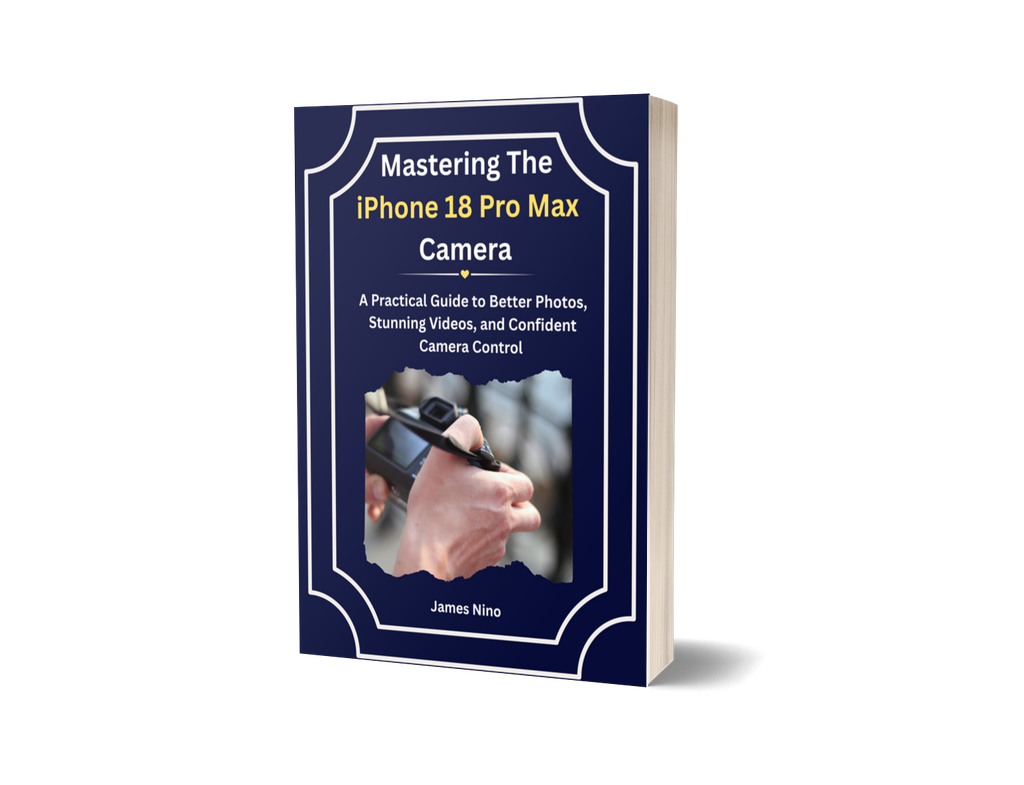
Stop Hoping for a Good Photo. Start Choosing One.
Your iPhone has a very capable camera. But having a good camera doesn’t automatically mean getting good pictures.
You’ve probably experienced it yourself.
A sunset that looked beautiful in real life comes out pale and washed out. A family photo looks sharp in the foreground, but the people behind are blurry. A birthday picture taken indoors makes everyone look too dark. And a video captures the moment perfectly, except you can barely hear what anyone is saying.
The problem isn’t always your phone. Often, it’s simply not knowing which camera setting to use, when to use it, or what to change when a picture doesn’t turn out as expected.
Mastering the iPhone 18 Pro Max Camera is a practical, step-by-step guide that shows you how to get more from the camera already in your hands.
You’ll learn how to use its settings, choose the right lens, manage focus and brightness, take better photographs in everyday situations, and record videos with greater confidence.
You don’t need to become a professional photographer. You don’t need expensive equipment or complicated photography lessons.
You just need to understand your camera and know what to do before pressing the shutter.
Learn the camera. Understand the settings. Make better decisions before you take the picture.
Get the Colour Paperback
Prefer a physical book you can keep beside your iPhone while practising? Get the full-colour paperback, with illustrated instructions and camera screenshots.
GET THE PAPERBACK EDITION — CHECK CURRENT PRICE →
Printed to order. Usually ready to ship in 3–5 days, with delivery time depending on your location.
Prefer to read it straight away? Get the instant digital edition (PDF + EPUB) →
What You’ll Learn to Do
This book focuses on the photographs and videos you actually want to take, and the camera decisions that help you get better results.
Take clearer photographs of people. Learn how to manage focus and brightness when photographing family and friends, whether you’re indoors, outdoors or dealing with difficult lighting.
Capture sunsets and skies more naturally. Understand why colours sometimes look different from what you saw and how to make better exposure decisions.
Get better group photographs. Learn how focus, distance and positioning affect people standing in different rows, so more of your group stays clear.
Take close-up photographs with confidence. Photograph flowers, food, small objects and everyday details without struggling with focus.
Make food photographs look better. Learn how to position yourself, manage light and avoid unwanted shadows.
Record videos with clearer sound and steadier footage. Understand the available video modes and when to use ordinary video, slow motion or time-lapse.
Choose the right camera lens. Know when to use the main, ultra-wide or telephoto camera, and when stepping back is a better choice.
Stop relying on trial and error. Understand what to adjust when a picture is too dark, too bright, blurry or simply not what you expected.
These aren’t complicated professional techniques. They’re practical skills you can use whenever you reach for your phone.
What’s Inside
17 chapters, organised into 8 parts, with full-colour screenshots and practical explanations.
The book takes you from the camera basics through everyday photography, video, advanced settings and editing. It finishes with troubleshooting advice and a seven-day practice plan.
Part I — Getting to Know Your Camera
Start with the camera itself. Understand the buttons, shortcuts and important settings worth configuring. Learn how to open your camera and know where to find the controls you need.
Part II — Taking Control
Learn how to manage focus and brightness, choose between camera lenses, and frame your photographs more deliberately. Understand the adjustments that make a difference before you take a picture.
Part III — Everyday Photography
Put your camera knowledge into practice.
Explore practical guidance for photographing people, groups, evening scenes, sunsets, food, close-ups and travel situations. Each chapter looks at what commonly goes wrong and what you can do differently.
Part IV — Recording Better Videos
Learn how to hold your phone for steadier footage, capture clearer sound and choose the appropriate video mode. Understand slow motion and time-lapse, and when ordinary video is all you need.
Part V — Advanced Camera Settings, Explained Simply
Explore settings that many iPhone owners never fully understand.
Learn what aperture means and how it affects the amount of your photograph that stays in focus. Understand shutter speed, exposure and white balance, and discover when these controls can help you achieve better results.
Technical terms are explained through their practical effects on your photographs, rather than through complicated definitions.
Part VI — Editing and Protecting Your Photos
Learn a simple approach to editing using three adjustments in a sensible order. Also discover how to back up your photographs so that a lost or damaged phone doesn’t mean losing important memories.
Parts VII and VIII — Troubleshooting and Practice
Find solutions to common photography problems, including blurry pictures, poor exposure and unexpected colours.
Then put your knowledge into practice with a seven-day plan designed to help you develop confidence through short, manageable exercises.
Take a Look Inside
Knowing what a book promises is one thing. Seeing how it actually teaches is another.
Here are a few pages from the book so you can see the explanations, screenshots and practical instructions for yourself.
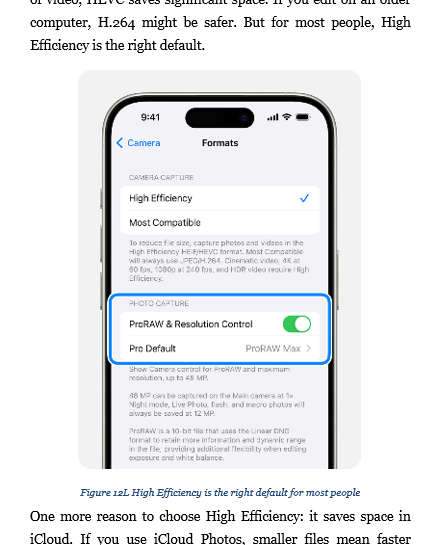
See how camera controls are explained and illustrated step by step.
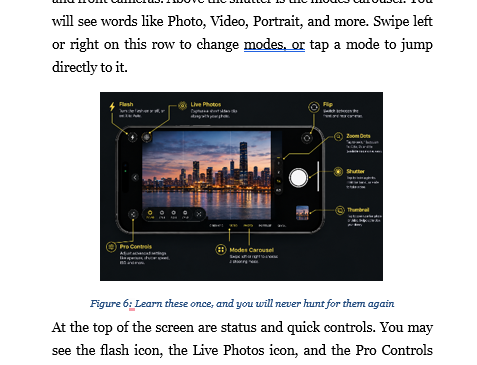
Explore a practical photography lesson showing what can go wrong and what to do instead.
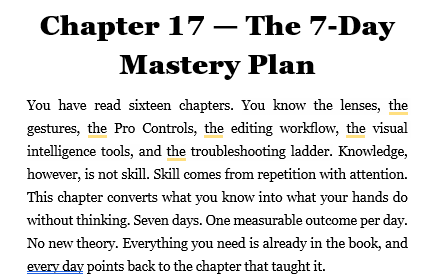
See how the book helps you put what you’ve learned into practice.
Seen enough? The paperback is available now, printed in full colour.
GET THE PAPERBACK — CHECK CURRENT PRICE →
Written for Beginners. Designed for Everyday Use.
You don’t have to know anything about photography to get started.
The book is organised around a few simple principles:
No additional apps to buy. Every technique uses the camera app that comes with your iPhone.
No extra equipment required. You won’t need clip-on lenses, specialist accessories or expensive photography gear.
No unnecessary technical language. Where a photography term is important, it is explained in straightforward language, with emphasis on what it actually does.
Learn in the order that suits you. Work through the chapters from beginning to end, or go directly to the topic you need help with.
Follow along at your own pace. The instructions are broken into manageable steps, with colour screenshots to help you identify the settings on your screen.
Practise with the photographs you already take. You don’t need a studio, special equipment or professional models. The exercises use ordinary situations and everyday subjects.
If you’ve never explored your camera settings before, that’s perfectly fine. This book starts with the basics.
A Seven-Day Practice Plan to Put Your Knowledge to Work
Reading about a camera setting is useful. Knowing when to use it is what makes the difference.
That’s why the book finishes with a seven-day practice plan.
You’ll spend just five to fifteen minutes a day practising one skill at a time, using things you would probably photograph anyway.
No complicated assignments. No special equipment. No need to set aside hours for photography lessons.
The aim is to help you become more comfortable with your camera through small, practical exercises.
By the end of the week, you’ll have had the opportunity to put several of the book’s techniques into practice. And the book remains a reference you can return to whenever you encounter a situation you want to handle better.
About the Author
James Nino is a technology writer and the author of the Mastering the iPhone Camera series, which began with the iPhone 11 and has continued through successive iPhone generations.
His books share a straightforward aim: to help people understand the technology they already own and use it more confidently.
Rather than overwhelming readers with technical explanations, James focuses on what a setting does, where to find it and when it makes a practical difference.
This guide continues that approach, bringing together the iPhone 18 Pro Max camera features, everyday photography techniques and practical instructions in one accessible resource.
Choose Your Edition
The book is available in three editions, depending on how you prefer to read and where you prefer to shop.
You can choose a full-colour printed paperback from Lulu, an instant digital edition from Gumroad, or a paperback through Amazon.
Whichever edition you choose, your purchase is backed by that seller’s guarantee. Lulu, Gumroad and Amazon each handle refunds and returns for the copies they sell. If something goes wrong with your order, the platform you bought from will put it right.
Here’s what you should know before choosing.
1. Full-Colour Paperback — Lulu
For readers who prefer a physical book they can hold, annotate and keep beside their iPhone.
The Lulu edition is printed in full colour, making it particularly suitable for a book that uses camera screenshots, illustrated instructions and visual examples.
What you get:
- Full-colour interior: Camera screenshots, illustrations and tables appear in colour.
- A physical reference: Keep the book open beside your iPhone as you work through the instructions.
- Printed to order: Your copy is produced when you place your order.
- Production time: Usually 3–5 days before shipping. Actual delivery time depends on your location.
This is the edition to choose if you want to follow the instructions on your iPhone while reading from a physical book.
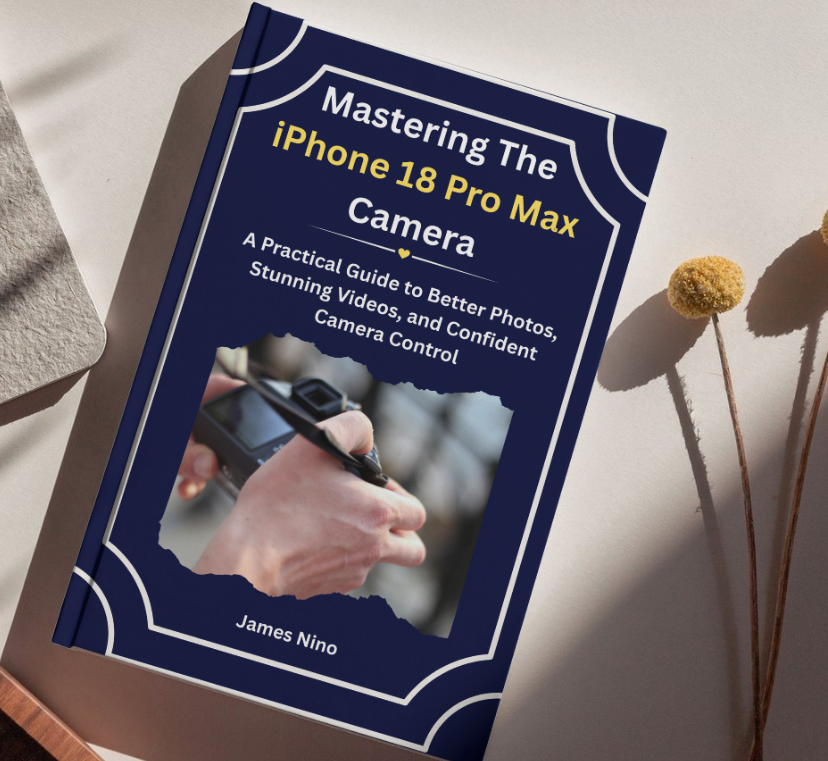
GET THE FULL-COLOUR PAPERBACK — CHECK CURRENT PRICE →
2. Digital Edition — PDF and EPUB
For readers who want immediate access and the flexibility to read on different devices.
The Gumroad edition includes the complete book in two digital formats.
What you get:
- PDF: Preserves the original page layout, including the placement of screenshots, illustrations and tables.
- EPUB: A flexible reading format that adjusts the text to your screen.
- Full colour: Both formats retain the book’s colour content.
- Instant delivery: Access your files immediately after purchase.
- Flexible reading: Read on your phone, tablet, computer or compatible e-reader.
You can use the PDF when you want to see the original page design, or the EPUB when you prefer text that adjusts to your reading screen.
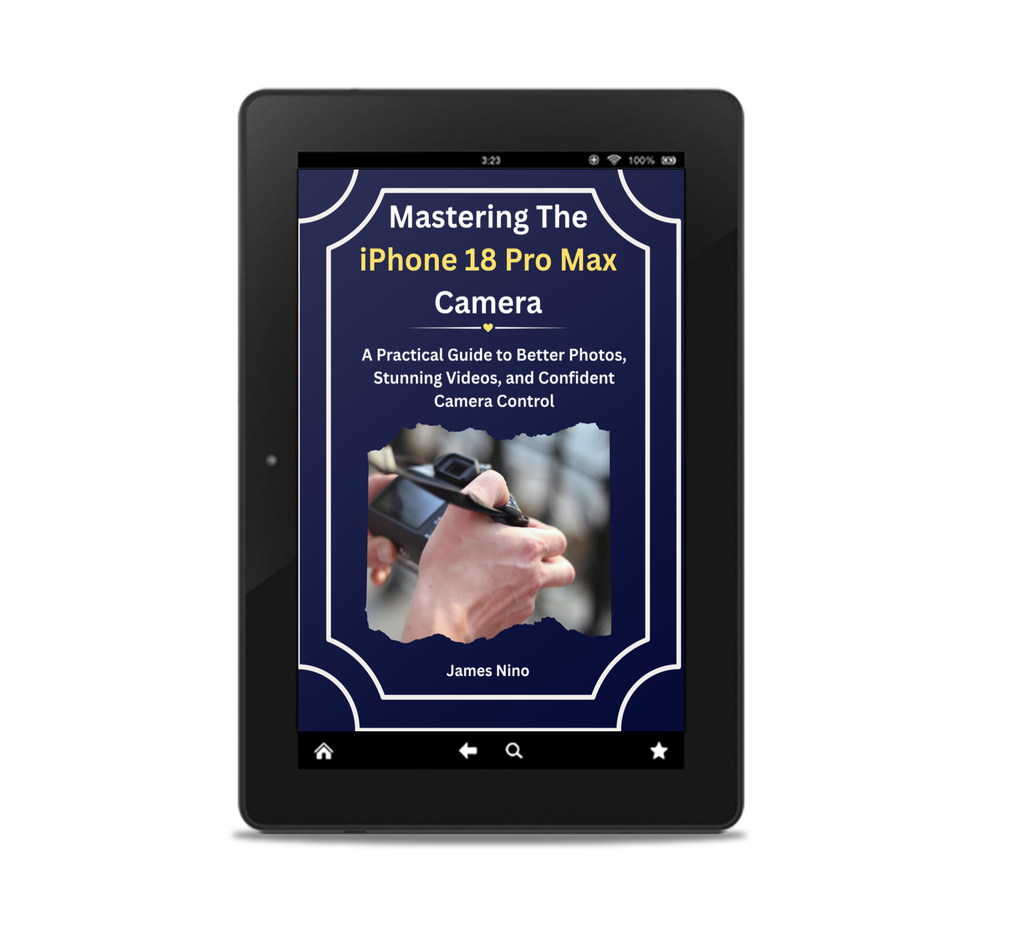
GET THE DIGITAL EDITION — PDF + EPUB →
3. Paperback Edition — Amazon
Prefer to shop through Amazon? You can get the book there too.
If Amazon is where you usually buy books, you can order the paperback through its familiar shopping and delivery platform.
There is one important difference to understand before ordering:
The Amazon paperback has a black-and-white interior.
The screenshots and illustrations are still included and labelled, but they will not appear in colour.
Because this is a practical camera guide that uses screenshots to explain settings and controls, colour can make following the instructions easier.
If having colour inside the book is important to you, consider the Lulu paperback or the digital edition instead.
If you prefer Amazon and are comfortable with black-and-white printing, this edition remains another way to get the complete guide.
FIND THE BOOK ON AMAZON — CHECK CURRENT PRICE →
Paperback or Digital? Which Should You Choose?
Still deciding? Here’s a simple comparison.
| Lulu Paperback | Gumroad Digital | Amazon Paperback | |
|---|---|---|---|
| Format | Printed book | PDF + EPUB | Printed book |
| Interior | Full colour | Full colour | Black and white |
| Delivery | Printed and shipped | Instant download | Amazon delivery |
| Best for | Reading away from screens | Flexible, immediate access | Shopping through Amazon |
| Refunds | Handled by Lulu | Handled by Gumroad | Handled by Amazon |
Choose Lulu if you enjoy physical books and want the colour screenshots in print.
Choose Gumroad if you want the book immediately, prefer digital reading or want both PDF and EPUB formats.
Choose Amazon if you prefer ordering through Amazon and don’t mind a black-and-white interior.
All three editions contain the same book and instructional content.
Frequently Asked Questions
Will this book work with my iPhone?
This book is written for the iPhone 18 Pro Max, and that’s where every screenshot comes from. If you’re on a different recent iPhone, most of it still holds — the chapters on light, framing, focus and composition don’t depend on which model you’re holding. Menus and some controls may look a little different on your phone, but the principles behind them are the same.
Do I need to install additional apps?
No. The techniques in the book use the camera app that comes with your iPhone.
I’m not particularly good with technology. Will I understand it?
Yes. The book starts with the basics and explains camera settings in straightforward language. It also includes screenshots to help you identify the controls being discussed. You don’t need previous photography experience.
Do I have to read the book from beginning to end?
No. You can follow the chapters in order or go directly to the topic you want to understand. The book is designed to work as both a learning guide and a reference.
How long will it take to read?
You could read the book over a weekend. The practical exercises are designed to be completed over seven days, with approximately five to fifteen minutes of practice each day.
Is this the author’s first iPhone camera book?
James Nino has written a camera guide for every iPhone generation since the iPhone 11. This is the latest in that series.
Is the digital edition the same as the paperback?
Yes. The Gumroad edition contains the same chapters, text and screenshots. You receive both PDF and EPUB versions in full colour.
Why is the Amazon paperback black and white?
Amazon prints this edition in black and white. Every screenshot is still there and clearly labelled, so you can follow every instruction — but the colour is gone. For a book built around showing you what’s on your screen, that’s worth knowing before you order. If colour matters to you, the Lulu paperback and the digital edition both keep it.
What if I have a problem with my purchase?
Start with the store you bought from — they handle it directly. Lulu looks after print and delivery issues on the paperback, Gumroad handles refunds on the digital edition, and Amazon handles its own orders. Each has a process in place for exactly this.
Get More From the Camera You Already Own
Your iPhone 18 Pro Max has a lot of camera capabilities. But knowing what those features do, when to use them and how to make the right adjustments is what helps you get more from them.
You don’t need to learn everything at once.
Start with the basics. Understand the settings. Practise one technique at a time. And gradually become more confident taking the photographs and videos you want.
Mastering the iPhone 18 Pro Max Camera gives you a practical guide to help you do exactly that.
Choose the edition that suits the way you prefer to read.
GET THE FULL-COLOUR PAPERBACK FROM LULU →